


Shared calendar. Meet messenger.
The shared calendar built around messaging. Group calendars for families, couples, friends, and colleagues. Always protected with End-to-End Encryption.


“The problem with sharing calendars isn’t productivity. It’s communication. So we built a shared calendar where every action is a message.”
 Ryan BrodieFounder, OurCal
 A shared space where your group actually communicates.
Talk about the plan inside the plan.
Every event has its own thread. Share photos, files, and notes without leaving the event. React, reply, and quote just like a messenger, but everything stays in context instead of scattered across WhatsApp, iMessage, and email.
Learn more about event chats
Someone moved the dentist? You’ll know.
Every change posts a before-and-after update automatically, and reminders reach everyone who needs them. No more “wait, did you move that?” buried in a group chat.
Learn more about event alerts
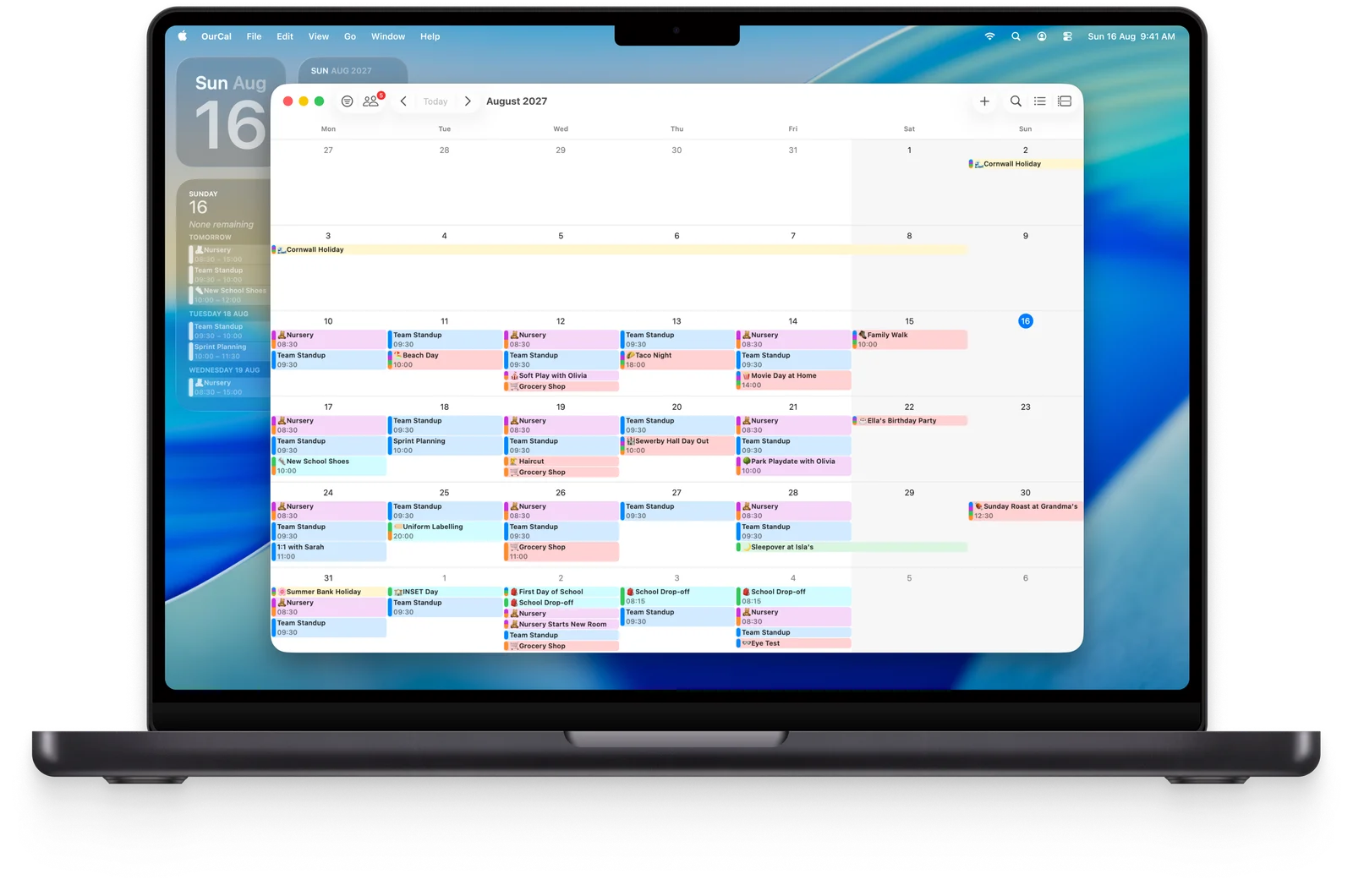
A busy week that reads at a glance.
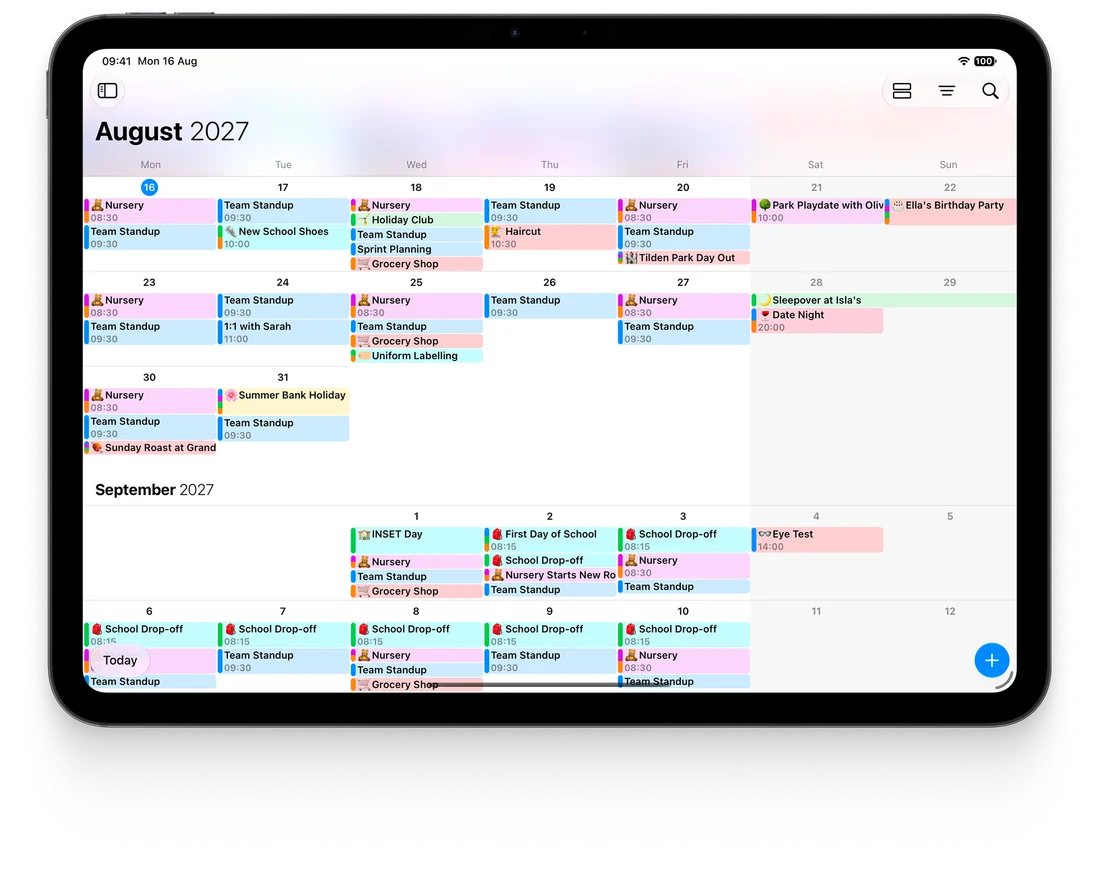
Every member gets a colour. See your kids’ activities, your partner’s shifts, and your own schedule in a single view, then pinch to zoom between overview and detail.
Learn more about calendar views
Sync all your calendars
Google, Apple, and Outlook in one place, plus subscribed calendars like sports fixtures and school term dates. See personal and shared side by side: no more double-booking.
Smart event creation
Type “Dentist Tuesday 3pm for an hour” and it’s done. Reminders, todos, and repeating events too, all in natural language. On-device AI, nothing sent to the cloud.
Groups for your whole life
Home, work, school, social. Each group gets its own calendars, members, and chat. One app, every group.
Share shifts and rotas
Nurses, paramedics, hospitality, police: share your rota so friends and family never plan over a working day.

Yours on iPhone.
Theirs on Android.
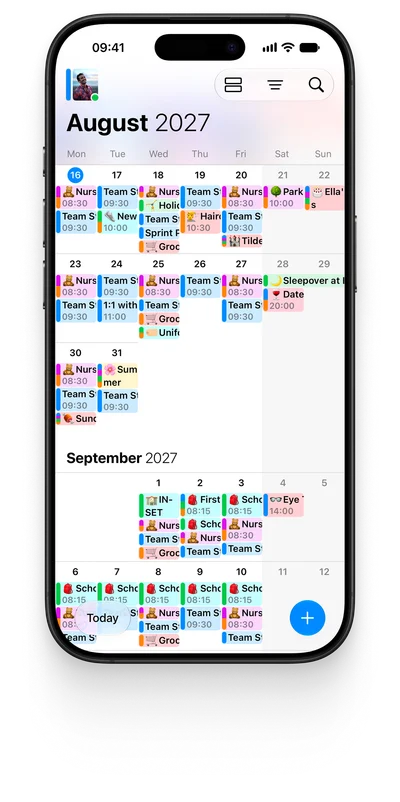
Truly native on iPhone, iPad, Mac and Vision Pro, and just as at home on Android. Whatever your group carries, everyone stays in sync.
Privacy isn’t a feature.
It’s the foundation.
The only shared calendar with ANSSI-certified End-to-End Encryption.
ANSSI-certified E2EE
Every profile, group, calendar, event, message, and file is End-to-End Encrypted by default, certified by France’s national cybersecurity agency.
No ads. No tracking.
You pay for OurCal, so your data stays yours. We never sell it, mine it, or show you ads. Ever.
You stay in control
Advanced sharing controls let you invite by private link and stop sharing at any time. Your group, your rules.
Create a group of 2 to 100, and start sharing in seconds.
Organising life together, everywhere.


Their photos stay locked because everything in OurCal (profiles, calendars, events, and messages) is protected with End-to-End Encryption.

%22%20d%3D%22m0%200%2016%2011h61%2061%2061%2061%2060L47%2037h61%2061%2060%2061L16%2063h61%2061%2061%2061%2060L47%2089h61%2061%2060%2061L16%20115h61%2061%2061%2061%2060L47%20141h61%2061%2060%2061L16%20166h61%2061%2061%2061%2060L47%20192h61%2061%2060%2061L16%20218h61%2061%2061%2061%2060z%22%2F%3E%0A%3C%2Fsvg%3E%0A)
Great way to organise

The Perfect group calendar! Ourcal has helped organise me and my gfs many events. Surprises included! But also ensure we never miss anything special and we also like reserving days or weekends to ensure we do something new. Also…

Great calendar app for families We have a big family with lots of teenagers all with lots of after school activities. We desperately needed an app that allowed us all to see in real time what everyone is doing. OurCal is so easy to…

Class a product Very easy to use and super powerful calendar. Customer support answers promptly and deals with customers very rapidly and pro-actively. Very satisfied and I recommend it to all

Family scheduling made easy! Just got married and me and my wife work shift work. It was very difficult to merge our schedules for planning various events. Our Cal made it super easy to do this! We were able to pull in our differ…
Review of OurCal My family recently purchased OurCal. There are three iPhones and one Samsung in the family that are attached to the calendar. I find that the use of OurCal is better for iPhones than the Samsung. T…
New features, every few weeks.
Frequently asked questions.
What is End-to-End Encryption?
It means your calendar can be read by only you and the people you share it with. The keys never leave your group, so no one else can read your data. Not even OurCal. Read more
Is OurCal’s End-to-End Encryption certified?
Yes. Our encryption is provided by Seald, whose technology is certified by ANSSI, France’s national cybersecurity agency. Read more
Do we each get our own account?
Yes. Everyone gets their own account, and you share calendars by joining the same group. Read more
Who can join a shared calendar?
Anyone you invite. Share your group’s private invite link and they’ll be guided through joining. Groups support 2 to 100 members. Read more
Can I use OurCal with multiple different groups?
Yes. Home, work, school, social: create or join as many groups as you like, each with its own calendars, members, and chat. Read more
Can I share different calendars with different groups?
Yes. Calendars belong to a group, so each group only ever sees its own calendars. Read more
How do I set up my family, couple, or group in OurCal?
Download OurCal, tap Create Group, and share the invite link. You’ll be up and running in under a minute. Read more
Which shared calendar app is best for a couple?
For two people on different phones, OurCal is built for exactly that: a chat on every event, End-to-End Encryption, and one subscription covering you both. Compare the best shared calendar apps for couples
How do I contact OurCal support?
From OurCal’s Settings, tap Help & Feedback, then Request Help. We’ll get back to you quickly. Read more
Organise life together, privately.
Set up your group in seconds.
iPhone · iPad · Mac · Vision Pro · Android